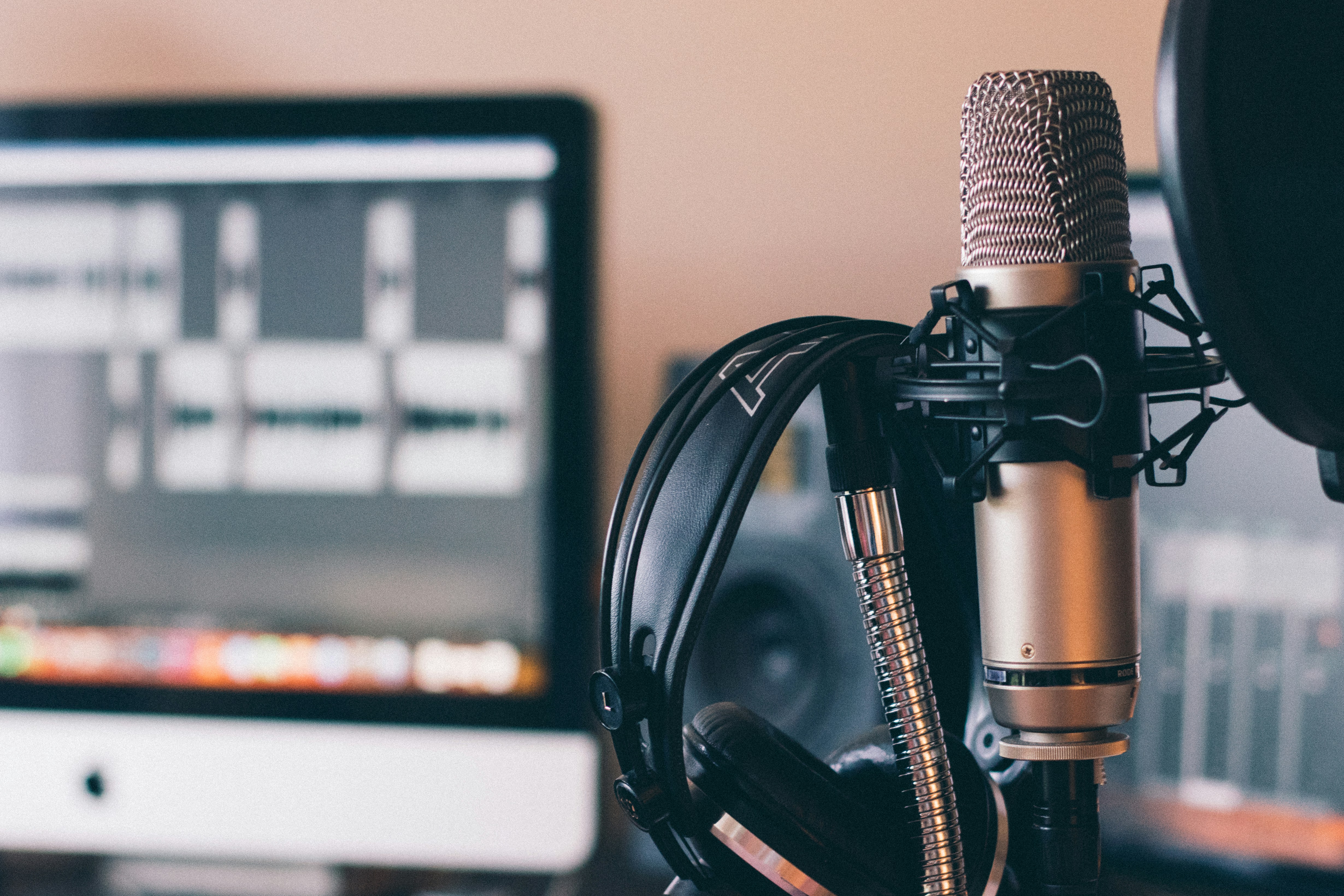
Livestreaming places different demands on a microphone than occasional voice recording. Speech must remain intelligible and natural as it happens, without relying on extensive editing afterward. The microphone also needs to work reliably in varied environments, from a treated home studio to a gaming desk or a shared room where other sounds may be difficult to control.
A useful review therefore considers more than basic sound quality. Voice clarity includes whether the microphone captures speech with enough detail and a balanced tone. Noise rejection matters when keyboards, computer fans, nearby conversations, or room reflections compete with the speaker. Monitoring is another practical factor: a headphone output can let a streamer hear their own voice and catch distortion or an unsuitable level before viewers do. Reviewers should also assess connection type, accessible controls, and how easily the microphone can be set up and adjusted during a broadcast.
USB and XLR models suit different workflows. A USB microphone connects directly to a computer, making it a straightforward choice for many new streamers and compact setups. An XLR microphone connects through an audio interface or mixer, which adds equipment and setup steps but can provide more control and flexibility when a broadcast system grows. Neither connection type guarantees better sound on its own; the complete setup and the user’s needs matter.
Pickup pattern and placement can influence results as much as price. A directional pattern can help prioritize the speaker in front of the microphone, but positioning still matters: placing the mic close to the mouth and aimed correctly often improves speech while reducing the relative level of room noise. Condenser microphones are known for capturing fine vocal detail, though that sensitivity may also reveal more keyboard sounds and room reflections. Dynamic microphones are often less sensitive to distant sounds and can be more forgiving in untreated or noisy spaces. The best choice depends on the room, speaking style, and how consistently the microphone can be positioned.
For new streamers, the Blue Yeti remains a flexible, accessible USB option. Its multiple pickup patterns suit solo broadcasts, interviews, and shared setups, but the sensitive condenser capsule can capture keyboard clicks and room reflections on an untreated desk. Spoken voices sound detailed and open, sometimes bright; careful placement and modest equalization can reduce sharpness. It is most useful in a quieter room where convenience matters more than rejecting background noise.
The Elgato Wave:3 is another accessible USB condenser, aimed at gaming and desktop creators. It delivers intelligible, present speech and offers straightforward software controls, including input management. Like other sensitive desk condensers, it can emphasize room sound and nearby typing. A high-pass filter and light tonal adjustment may help, but moving it closer and lowering gain are often more effective. Choose it for a controlled room and an uncomplicated computer-based workflow.
For streamers seeking more flexibility, the Shure MV7+ provides USB and XLR connections. Its dynamic design is less eager to capture distant noise than typical condensers, making it practical in modest rooms. The voice is focused and full, though some speakers may find it slightly dark or restrained; proximity can add bass. USB processing is convenient, while an XLR setup allows external equipment and later upgrades. It suits creators who want one microphone for both simple and advanced rigs.
The RØDE PodMic is a more affordable XLR dynamic choice for users prepared to add an audio interface. It produces a solid, broadcast-style voice, but needs close placement and sufficient gain. Its tone can sound weighty, so a little low-frequency reduction may help; room noise is generally less prominent than with a desktop condenser. It is a sensible step up for dedicated streamers willing to manage separate gear.
At the higher end, the Shure SM7B is an XLR dynamic microphone valued for controlled, smooth speech. It can make voices sound full and polished, but may require substantial clean gain and thoughtful positioning. It is not automatically better in every room: budget for an interface, and consider processing modestly. Experienced streamers seeking a durable, upgradeable setup are its clearest audience.
Noise rejection depends on microphone design and placement as much as advertised specifications. A directional dynamic microphone used close to the speaker often captures less keyboard and mouse noise than a sensitive condenser placed farther away. However, neither type removes clicks, fan hum, room reflections, or other nearby sounds completely. Speak toward the correct side of the capsule, maintain a consistent distance, and choose a suitable pickup pattern. Cardioid patterns generally favor sound from the front while reducing sound from the rear. Quieter fans, room treatment, and a keyboard positioned outside the microphone’s most sensitive area can further improve results.
A built-in headphone jack with direct monitoring lets streamers hear their voice with little or no perceptible delay, helping them catch clipping, muffled speech, or unwanted noise. The reviewed microphones vary in their monitoring controls: some offer a headphone level adjustment, while others also let users blend microphone audio with computer playback. That balance is useful when checking a game, alert, or call while remaining aware of one’s voice. Before broadcasting, confirm that monitoring is enabled and set to a comfortable level. Headphone volume may be separate from recording gain and system playback.
On-device controls are practical during live shows. A dedicated mute button allows a quick response to an interruption, while a gain knob can adjust a level without opening software. Their usefulness depends on placement and feedback: an illuminated mute indicator is easy to verify, and a clearly marked dial is less likely to be moved accidentally. Some microphones put controls on the rear or bottom, making them awkward to reach once mounted; others offer only basic adjustments. Test controls with headphones and a recording before going live, since they cannot compensate for poor positioning or excessive room noise.
A budget-conscious first-time streamer should look for a dependable USB microphone that is easy to position and does not require extra equipment. Prioritize clear speech, simple controls, and a stable stand over advanced specifications. In a noisy room, a close-positioned dynamic microphone is often a practical choice because it can help reduce the amount of surrounding sound captured. It will not remove noise entirely, so also consider moving away from fans, windows, and reflective surfaces.
Creators seeking a polished, detailed voice may prefer a quality condenser microphone, provided the room is reasonably quiet and treated with soft furnishings. Those who expect to expand their setup can choose a microphone that supports both USB and XLR connections. USB offers a straightforward starting point, while XLR can later connect to an audio interface or mixer for more control. This flexibility is useful, but it matters less than whether the microphone suits the room and the creator’s everyday workflow.
Use this setup checklist before going live: place the microphone roughly a hand’s width from your mouth, then angle it slightly off-axis to limit breath noise. Set gain so normal speech is clear without peaking or clipping when you speak more loudly. Monitor through headphones to catch hiss, echo, or distracting background sounds. Add a pop filter or foam windscreen if plosive sounds are prominent. Finally, make a short test recording or private stream, listen back, and adjust placement and levels before broadcasting.
Choose based on the conditions you actually work in, the time you want to spend configuring equipment, and whether you need room to upgrade. A well-positioned, appropriately configured microphone can outperform a more expensive model placed too far away or set too loud. For a final decision, prioritize intelligibility, room-noise handling, comfortable monitoring, ease of setup, and compatibility with your intended workflow; treat headline specifications as supporting information rather than the deciding factor.